01
Build your decks
Create flashcards for your subjects, or import prepared TXT and CSV files. Preview and edit your cards before saving.
Your subjects, neatly togetherYour flashcards. Your pace. Your little lily garden. Turn everyday revision into a study habit you can see growing.
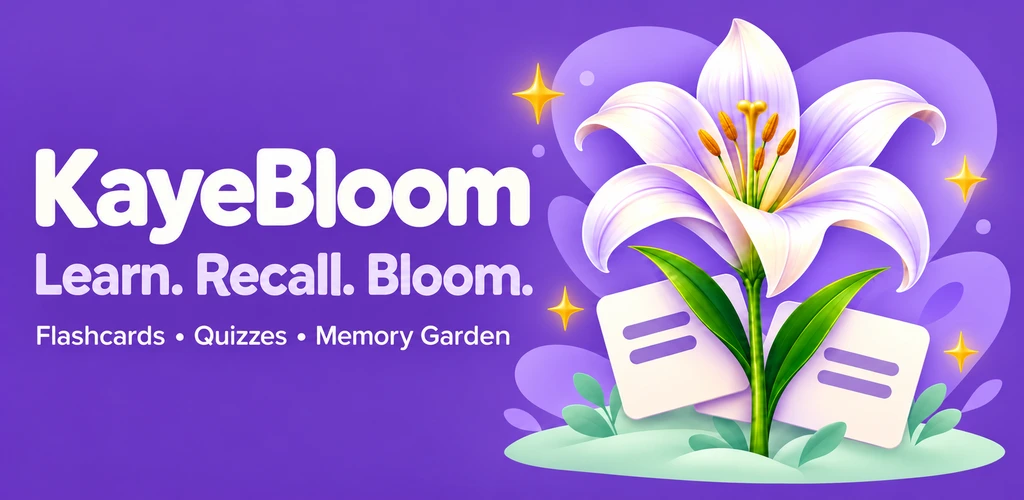

A study companion that grows with you.
A simple rhythm for remembering
From a new subject to your next review session, keep your study materials and progress together.
Create flashcards for your subjects, or import prepared TXT and CSV files. Preview and edit your cards before saving.
Your subjects, neatly togetherFlip through cards at your own pace. Star the tricky ones and return to them for a more focused quiz.
A little practice, whenever it fitsTest your recall, see your score, and watch your lily respond to deck mastery. Retry missed questions with Second Chance.
Progress you can seeMeet your Memory Garden
Each deck has its own lily. As you build mastery through completed quizzes, it grows from a tiny seed to a full bloom.
Your first-round answers shape mastery. Second Chance gives missed questions another moment of practice, without changing your original score or mastery.
More about KayeBloomTap a stage to explore. Your personal study progress stays in the app.
A look inside
Six little windows into KayeBloom.
Tap any screenshot for a closer look.
Less noise. More learning.
Study your cards and take quizzes without an internet connection. Decks and progress stay on your device.
Try missed questions once more. Extra practice stays separate from your first-round results.
No ads, no account, no subscription. Just your cards and a little encouragement to keep going.
One card at a time
Start small. Keep showing up. See what blooms.
Download & install Android · Version 1.0 · Google Play testing & APK download
A few things to know
Yes. Creating and reviewing flashcards, taking quizzes, and tracking progress work offline. Downloading the app, emailing support, and using an external AI service need an internet connection.
KayeBloom imports prepared question-and-answer flashcards from TXT or CSV files. First use another tool to prepare PDF or Word content in that format. The app includes an optional prompt you can copy into an external AI service; it does not upload or convert your documents itself.
Quiz scores and deck mastery measure different things. Each card has a recall level from 0 to 3. In a completed quiz, a correct first-round answer raises that level by one and an incorrect answer lowers it by one. Full bloom happens when every card reaches level 3. Repeated review helps your lily grow.
Your cards and progress are saved in local app storage. KayeBloom does not run an online study-data service. Clearing app storage or uninstalling removes local data; Android backup and device-transfer settings may affect whether a copy can be restored. Read the Privacy Policy for details.
Made with purpose